Workspace settings
Name, intent, visibility, members and domain memory — the shape of a workspace.
General
- Name.
- Intent — Brand · Department · Function · Use case · Project · Other; and an Intent label (e.g. Asterlyn launch) shown in the workspace eyebrow.
- Visibility — Private — owner grants access · Shared — nested in a teamspace · Public — visible to the tenant.
Save is enabled only when something changed.
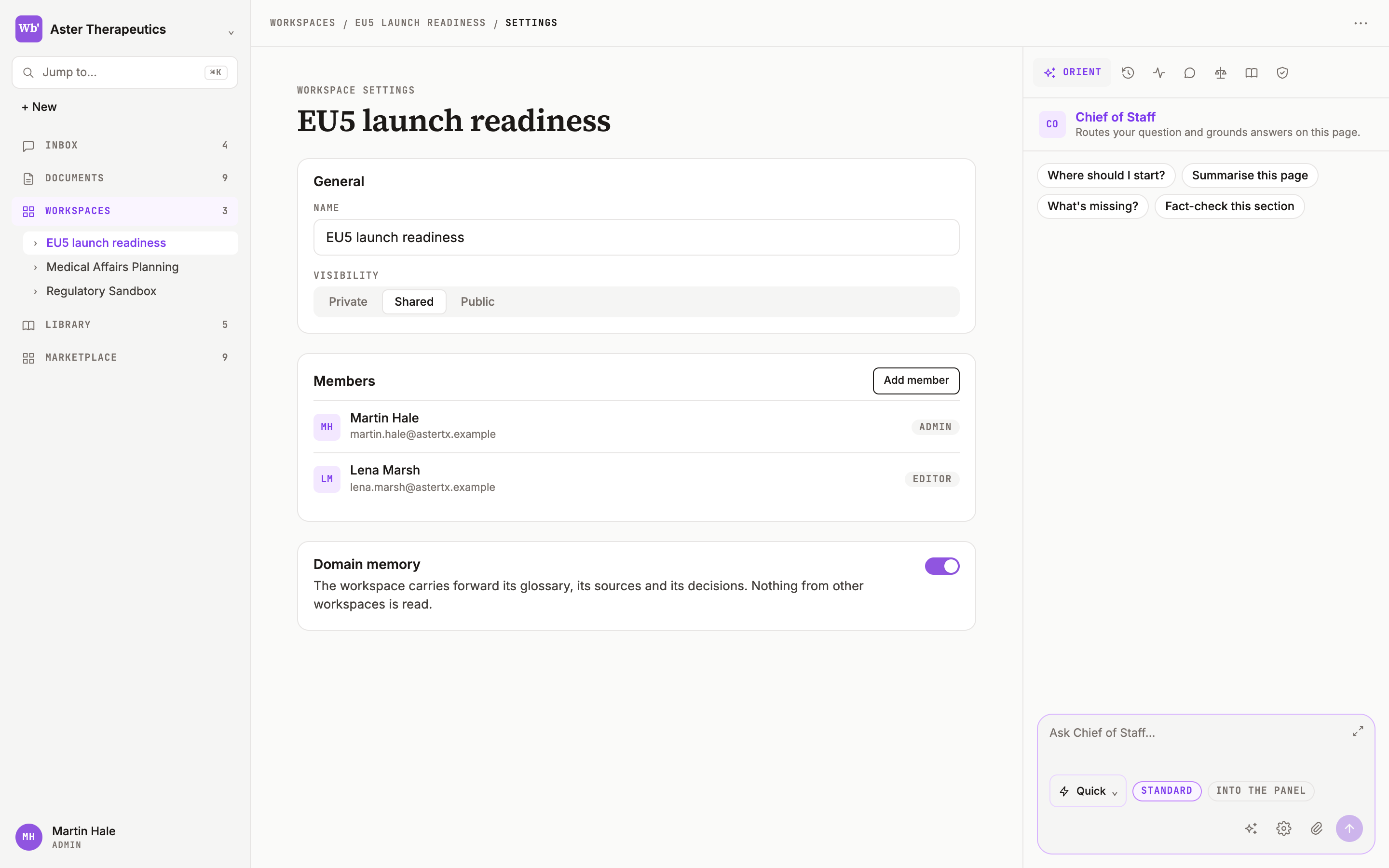
Members
The list, and + Add member. Members and access.
Domain memory
Share evidence, framings, and in-flight topics with this workspace. Preferences, corrections, and project context stay personal. The toggle is available on Team plans.
Rename, move, trash
From the workspace ⋯ menu in the top bar. Trashed workspaces keep their pages and can be restored from Trash.
Was this page useful?