Your first sign-in
What happens the first time you open the workbench, and how the Cohort Training walks you through six chapters without ever doing a move for you.
The Hub
After sign-in you land on the Hub: a greeting, a Chief of Staff card with an ask field, today's items, your workspaces, and what's new on the platform. The Hub layout switcher (LEARNER · SKEPTIC · OPTIMIZER · ORCHESTRATOR · OBSERVER) changes what the Hub puts first — a new user usually stays on Learner for a week.
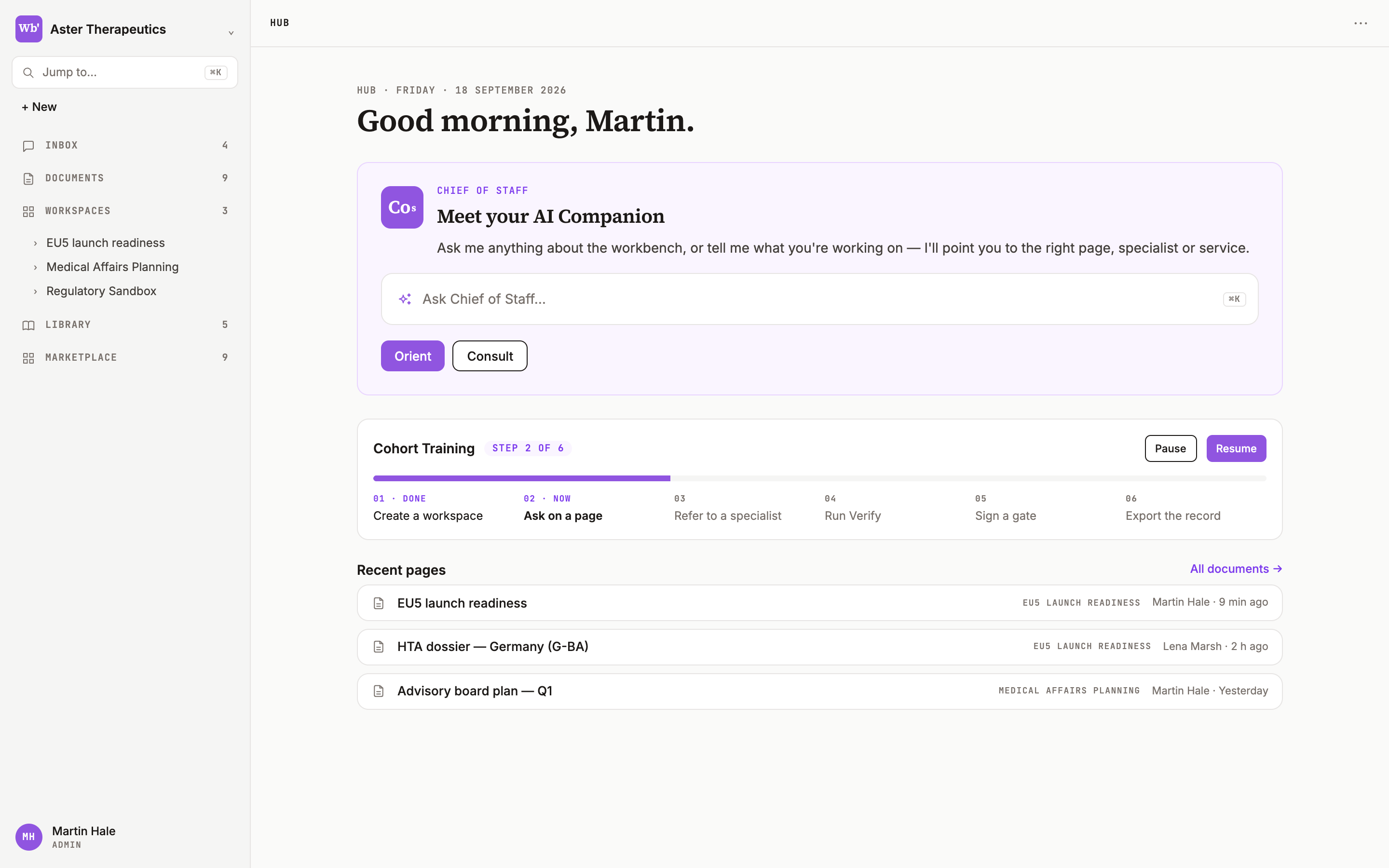
Cohort Training
600 ms after the Hub paints on your first sign-in, the stage dims and the Chief of Staff offers Cohort Training: six chapters, about twelve minutes. It is interactive in the strict sense — every step names one action you perform on the real interface, and the training waits until you have done it. Nothing advances on a timer; nothing is done for you.
- Your workspace — create one, open its home, start and save a page.
- Your team — open workspace settings and add a colleague.
- Orient — set the path to Refer, ask your first question, add the answer to the page.
- Consult — ask a strategy question, run the recommended consult, read the Verify layer, hire from the bench.
- The canvas — open the / menu, improve a paragraph, generate takeaways, comment for a colleague.
- Export and import — sign off the version, export document + record, import a document.
While you decide
If you do nothing, the target pulses after six seconds; after fifteen a Show me button appears and a ghost cursor points at the control without clicking it; after forty-five the Chief of Staff says it will wait. Clicks outside the highlighted control do nothing except nudge you back.
Pause and resume
Pause (or Esc) collapses the training to a small badge on the Chief of Staff avatar in the right panel, and adds a row to the Hub's Today column. Either one resumes at the exact step. You can replay the training any time from the Hub's Learner card.