Pages and blocks
The page is the workbench. What a block is, which blocks exist, and the chrome around each one.
Blocks
A page is a column of blocks: headings (H1–H5, toggle headings), paragraphs, quote, lists (bullet, numbered, check, toggle), code, divider, table, and the VITAL blocks — Lede, Reference, Callout, media (image, video, audio, file), Mermaid diagram, Math / Equation, two and three columns, plus the analytics family (waterfall, sample size & power, tornado, scenario modeller, Monte Carlo, budget impact, MCDA, RICE, OKR cascade…).
Around each block
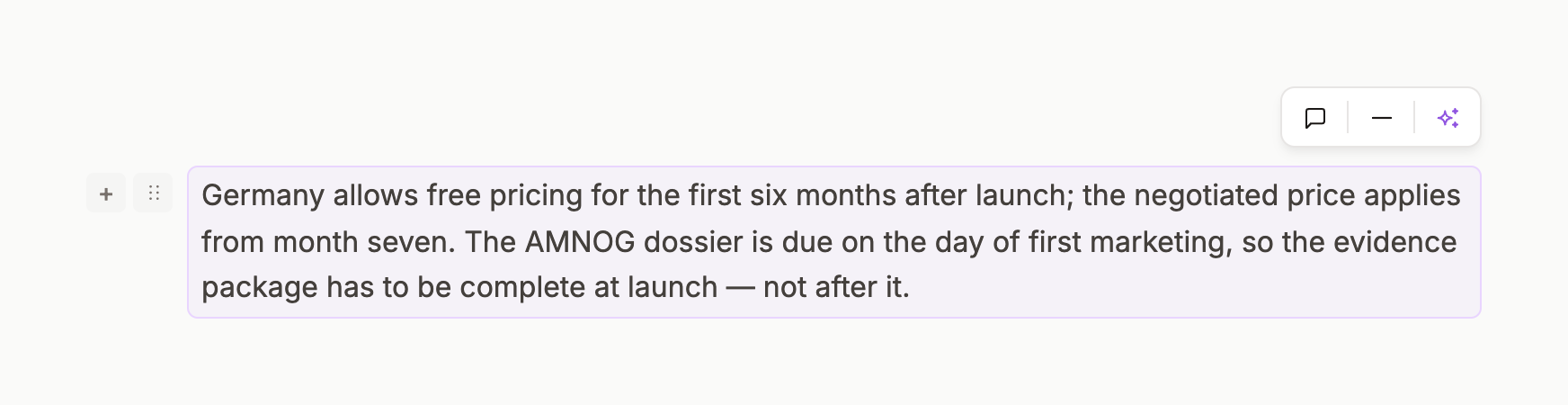
Hover a block and a small white pill appears above-left: comment · divider · sparkle (AI on this block). In the left gutter: the drag handle ⋮⋮ and +. A selected block gets a soft violet outline. Blocks the AI is working on get a violet selection tint and a progress bar. Edit · Generate · Review.
Embed cards
Mermaid, Math and the analytics blocks render as embed cards: a mono kind pill (DIAGRAM · FORMULA · ANALYTICS · BIOSTATISTICS), a title, a status pill (CONFIGURE → COMPUTED), and on hover a toolbar with Code · Preview · Split, zoom, expand, copy, export, download. Analytics blocks take a two-column form of mono-labelled inputs and return a result panel.
Callouts
Callout from the / menu gives a bordered note block with a kind; use it for the sentence a reviewer must not miss.
Property grid and footer
Above the body: OWNER · AUTHOR · COMMENTER · WORKSPACE · CREATED · LAST EDITED (Author is a select). Below: backlinks — No backlinks or a count with page chips.