Export document + record
When a document leaves, the whole record leaves with it — Memory, Record, Evidence, VERIFY and the tenant JSON.
What is exported
The grey card under the gate reads EXPORT — THE RECORD TRAVELS: Emits the document plus its family — Memory · Record · Evidence · VERIFY — and the machine-readable tenant JSON. The draft, the evidence trail, the review record: attached, not left behind.
Export
- In the Gates tab, click Export document + record.
- Pick a format: DOCX, PDF or Markdown. The companions are always included and listed: Document v.n · Memory · Record · Evidence · VERIFY · tenant JSON.
- Click Export. The toast Exported — the record travels with it confirms, and the bundle is added to the workspace Library under Work products.
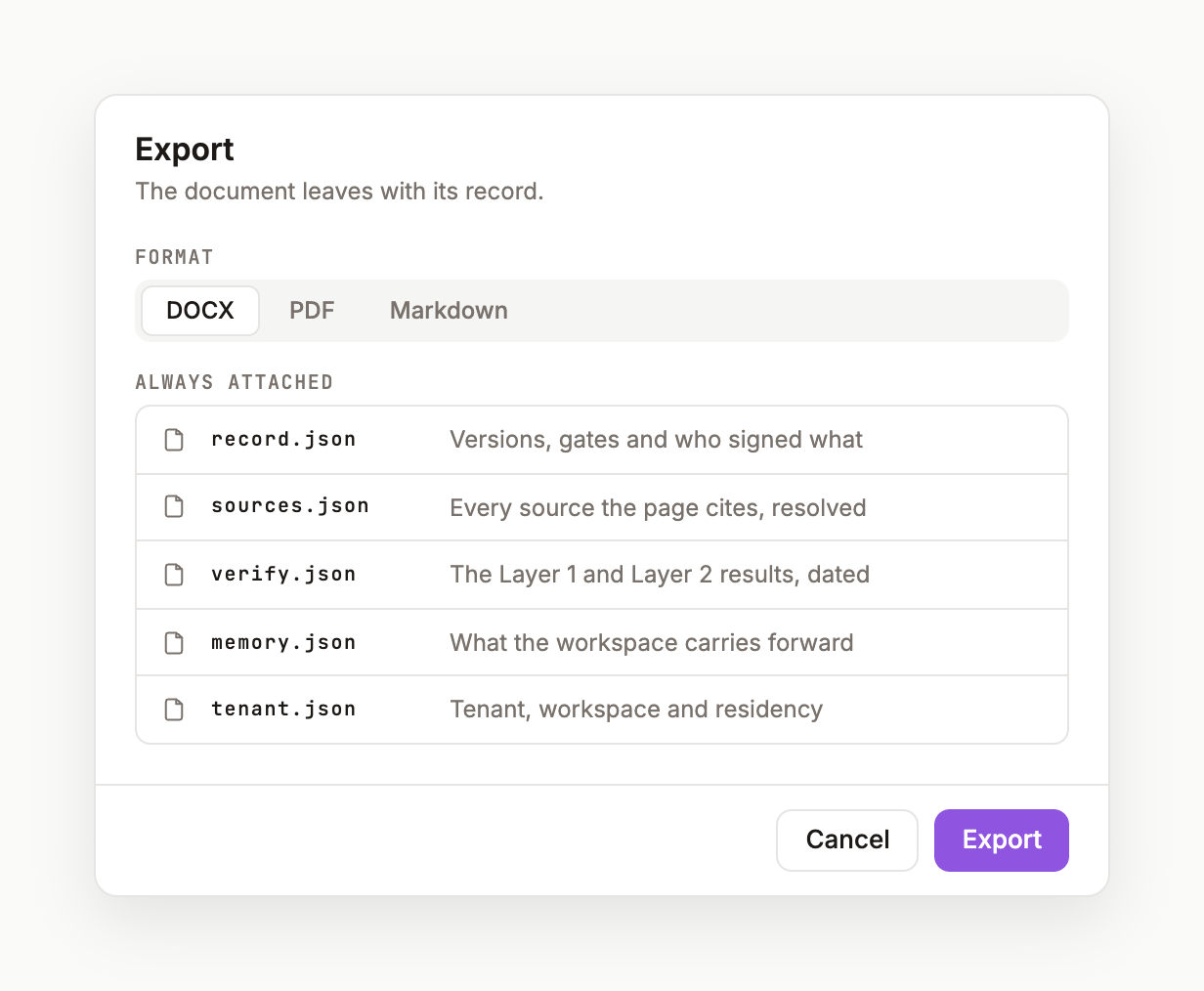
What the bundle contains
document.<docx|pdf|md>— the page at the exported version, with[n]chips rendered as numbered references.record.json— the activity ledger and gates.evidence.json— sources and claims, with resolution status.verify.json— the six-layer result and ODI for that version.memory.json— the curated memory the workspace carried from the page.tenant.json— the machine-readable envelope: tenant, workspace, page, version, hashes.
Share vs export
Share (page toolbar) gives a colleague the page inside VITAL — people in the workspace and a copy link. Export gives the world the record. Both are logged.
Was this page useful?