Import a document
Bring a CER, a dossier or a deck into a workspace; it gets the same companion family as anything written here.
Import
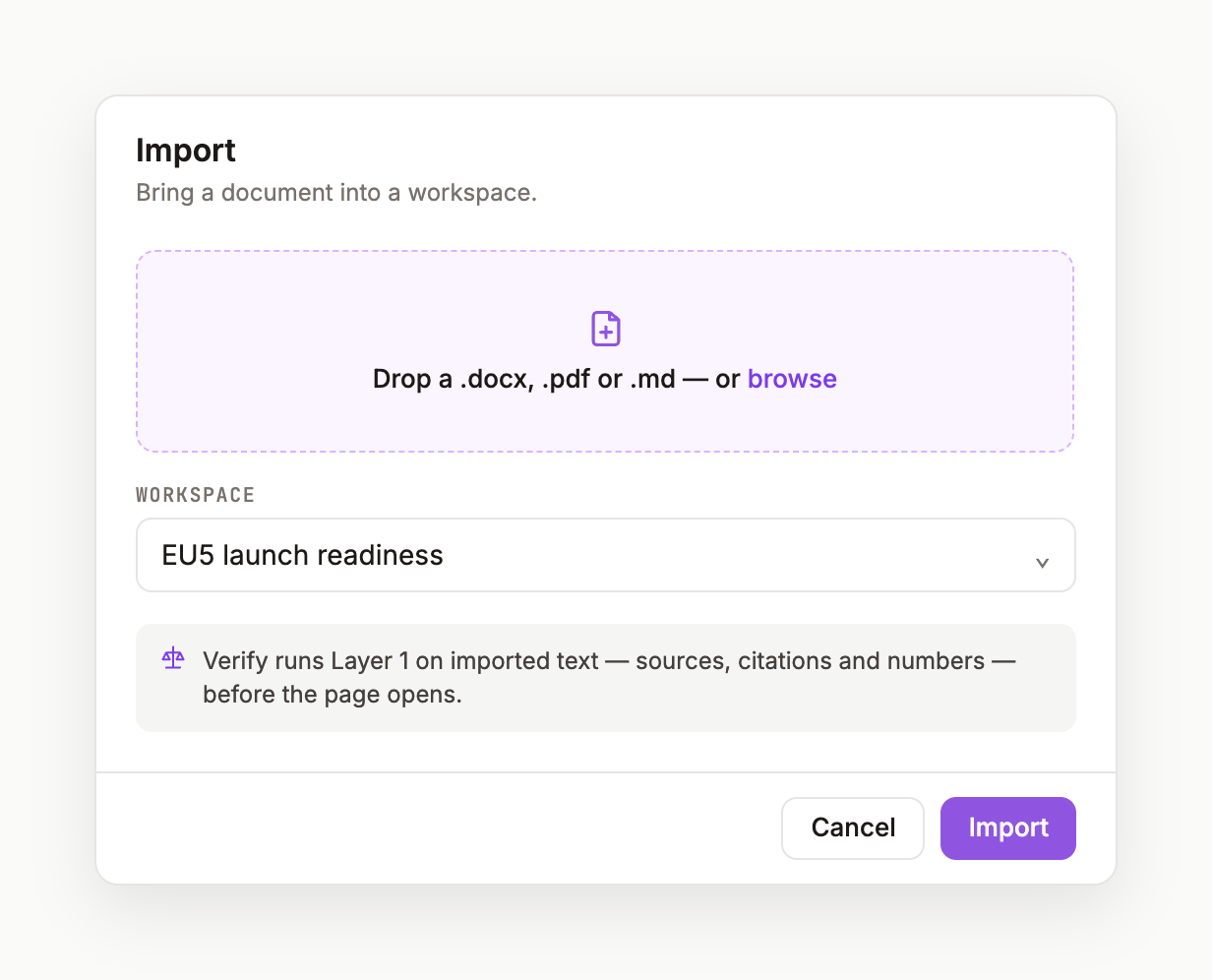
- Click the ⇅ icon beside
DOCUMENTSin the sidebar — or + New › Import. - Drop a file on the zone, or Choose a file. Accepted:
.docx.pdf.pptx.md.xlsx. - Pick the workspace under
INTO, then wait for Reading … Deriving Memory · Record · Evidence · VERIFY. - The page opens with a companion tree at the top:
Document v.1 · Memory CURATED · Record DERIVED · Evidence DERIVED · VERIFY DERIVED.
What derivation means
Evidence is extracted from the document's own references and resolved where possible; Record starts with a single imported row naming the source file and you; VERIFY runs Layer 1 on the imported text; Memory is curated from headings and defined terms. Everything derived is marked DERIVED until a person touches it.
Documents, not pages
Imported files also appear under DOCUMENTS in the sidebar, where you can open, move or trash them. Deleted items go to Trash and can be restored.
Was this page useful?