Asking on a page
The Orient panel is where you ask. It reads the page you're on, uses memory when it exists, and either answers or recommends — and always says which.
Open the panel
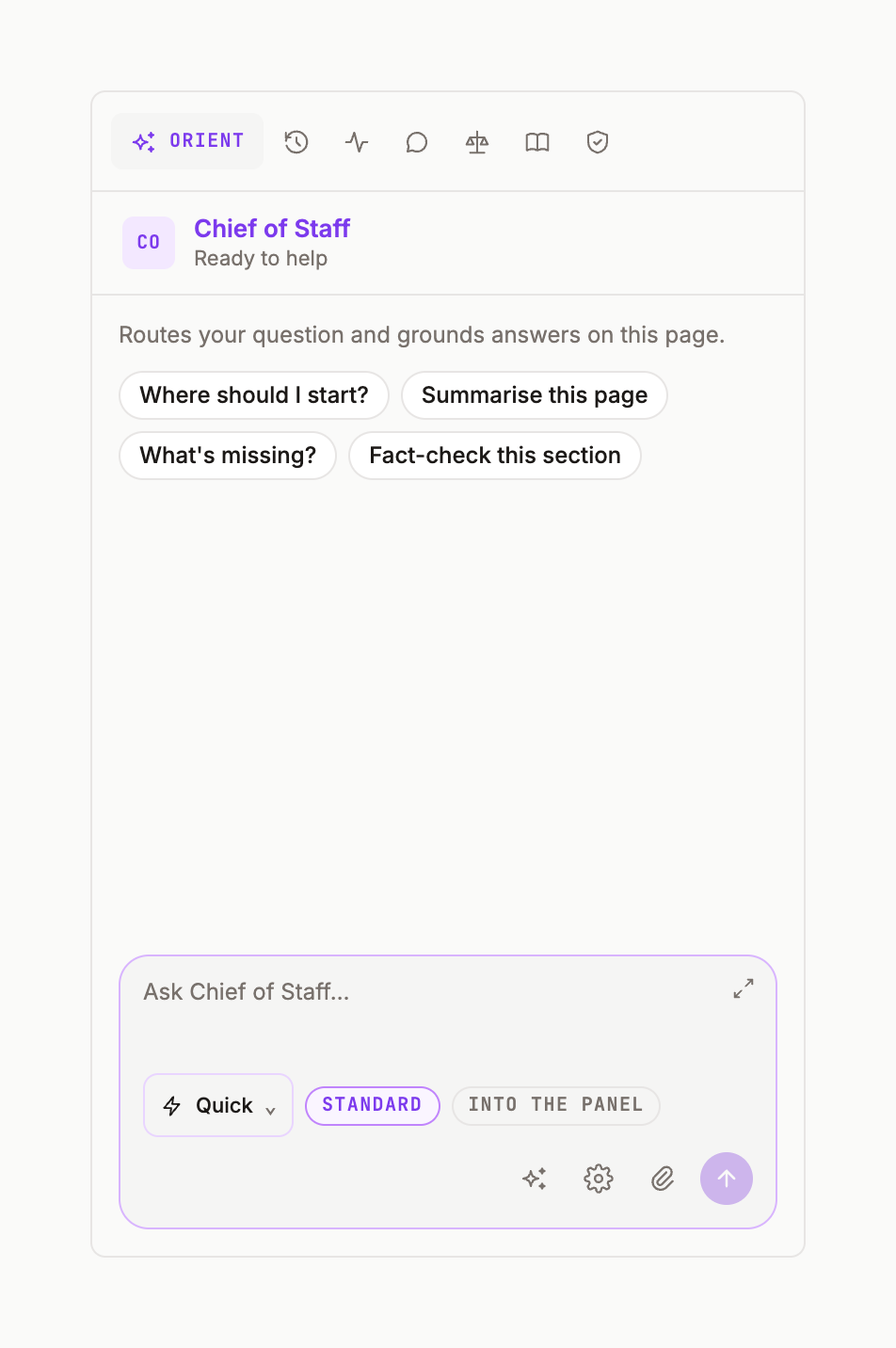
The right panel opens with a tab strip: ORIENT, then Conversations, Activity, Comments, Verify, Sources and Gates. Under it, the Chief of Staff header: Routes your question and grounds answers on this page. When the panel is empty it says Ready to help and offers starter chips — Where should I start? · What can you help with?
The composer
Type in the field (Ask Chief of Staff…). The toolbar under it has:
- Path pill —
QuickorRefer. See Quick vs Refer. - Length chip —
BRIEF(up to 250 words) ·STANDARD(250–750) ·COMPREHENSIVE(750–1,500; use Generate artifact for full reports). - Stream target —
CONVERSATIONorDOCUMENT. With Document, the answer streams straight onto the page instead of into the thread. - Enhance (sparkle) rewrites your question for precision before sending; gear opens Orient settings; paperclip attaches; the arrow sends (Enter also sends; Shift+Enter is a new line).
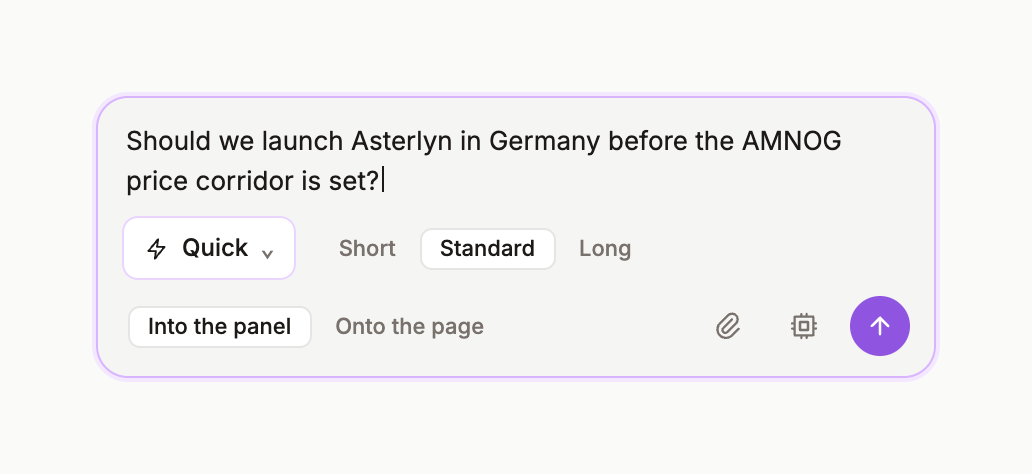
Ask in your own words
There is no prompt syntax. Ask the way you'd ask a colleague: What does the G-BA expect in a benefit dossier for a first-in-class oncology product? Your bubble appears on the right; a preamble line says what the Chief of Staff is using: Uses the page and memory when present, plus one light source check when useful. Refer for specialist judgement.
What comes back
Either an answer card — the Chief of Staff, with [n] chips and a SOURCES strip — or a routing recommendation. In both cases you have Add to page, Apply to page (replace the selection) and Compose (turn the answer into a structured deliverable). The routing recommendation.