Sign-off gates
Nothing ships until a named person signs it. The Gates tab, the Approve and Send back actions, and what the record shows afterwards.
The Gates tab
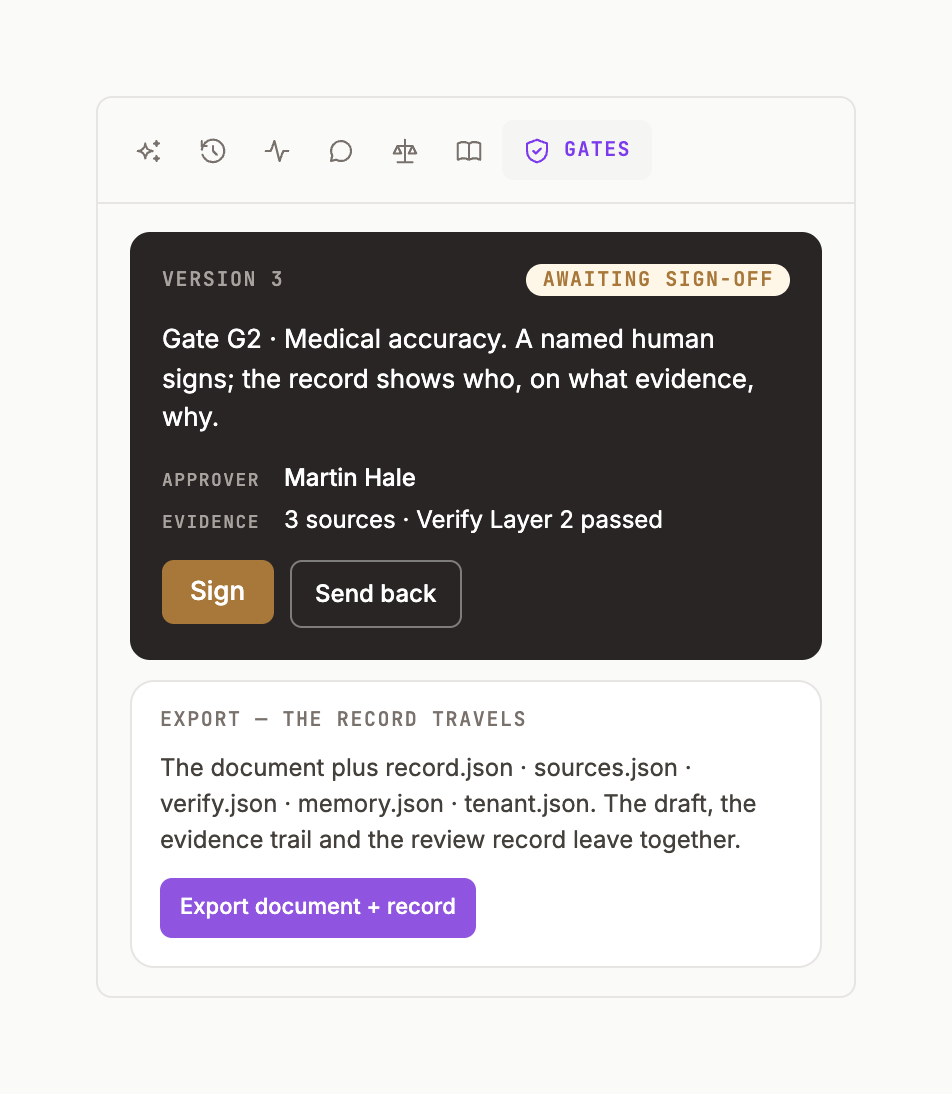
The dark card reads: v.4 awaits its next gate. A named human decides; the record shows who, on what evidence, why. Two buttons: Approve and Send back.
Approve
Click Approve. The card turns to v.4 approved · gate approved · v.4 · <name> · GATE; the Inbox GATES counter for reviewers goes down by one.
Send back
Send back asks for a note, returns the version to the author, and writes gate sent back with the note in the ledger. The author sees it as a GATE row in their Inbox.
Gates on answers
With Review gates on in Orient settings, specialist answers arrive amber — HARD GATE · HUMAN SIGN-OFF — with Approve & send / Request changes, and are not written to the page until approved. Orient settings.
Who can approve
The workspace owner, and members a Command admin has named as reviewers for the workspace. The approver's name is part of the record — that's the point.