Orient settings
Model, knowledge bases, actions, review gates, Verify, missions and response shape — the gear next to the composer.
Open it
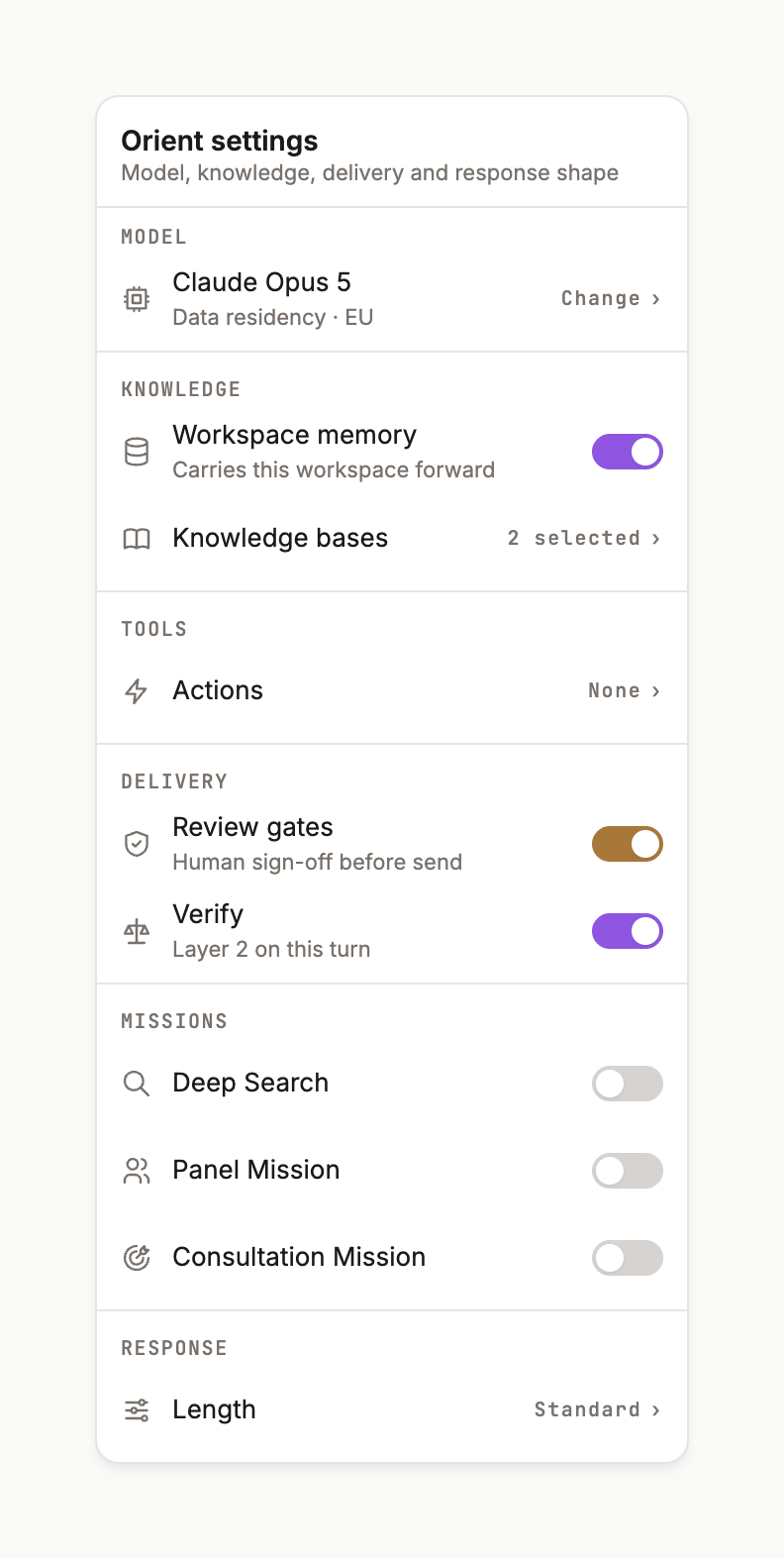
Click the gear in the composer toolbar. The popover reads Orient settings — Model, knowledge, delivery, and response shape. The gear is tinted violet whenever a setting is not at its default, so a non-default run is visible at a glance.
Model
Default Auto. The picker lists Platform picks — each with a PICK badge, a fit score and a mono line such as Fit 83 · R93 · C79 · M90 · S62 · 1000K context · Anthropic. The ⓘ opens the score dialog: live benchmarks, catalogue metadata, and how Auto Fit is scored — Reasoning 45 % · Clinical 15 % · Medical 10 % · Speed 10 % · Cost 15 % · Price 5 %.
Knowledge bases
Default All. Tick the ones you want the retrievers to draw on: the ont-* libraries (agents, capabilities, personas, responsibilities, roles, skills), the ops-* libraries (integrations, templates, workflows) and the domain KN-* libraries — clinical trials, competitive intel, digital health / SaMD, diseases, HEOR & RWE, HTA decisions, MA & MSL, pricing reference, EMA and FDA regulatory, safety & PV, biostatistics. The gear shows 1 selected when you narrow it.
Actions
Default None. Tools the run may call (retrievers make answers true; tools perform work). Leave it at None unless a mission needs one.
Delivery
- Review gates — amber toggle. On: Human sign-off before send. The answer arrives as a gated card with Approve & send / Request changes. Sign-off gates.
- Verify — Layer 2 VERIFY on this turn. On: Claim-by-claim semantic check this turn. The six layers.
Missions
One at a time: Deep Search · Panel Mission · Consultation Mission · Deep Research · HEOR Evidence Strategy · Medical Strategy · Content Launch Campaign · Ecosystem Navigator. A mission changes what the Chief of Staff composes — a Panel Mission, for instance, goes straight to a panel recommendation.
Response
Brief · Standard · Comprehensive — the same as the length chip in the composer.