Account · 1 of 4 · 1 min
Profile and settings
Open Settings from the account menu at the bottom of the sidebar.
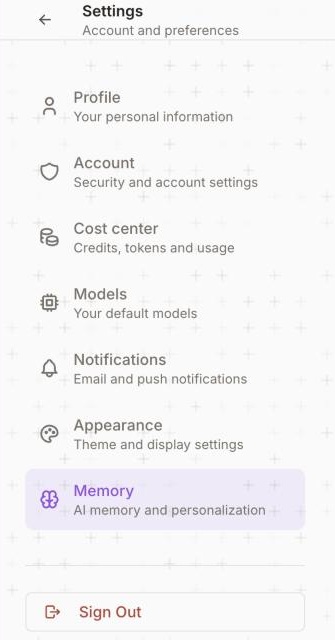
1 Cost center: allowance and usage.2 Memory: on or off.
- Profile: your name, title, organisation and picture.
- Account: security and account settings.
- Cost center: your allowance, what you have used, by service, and every charge.
- Models: your default models.
- Notifications: email and push preferences.
- Appearance: theme and display.
- Memory: turn Memory on or off.
Updated October 2026 · Not finding it? Reply to any of our emails