Pages · 1 of 3 · 1 min
A blank page
New work, then Page, from inside a workspace. You land on a blank page; give it a title that is the question itself. Write, structure and cite. For help, ask your Chief of Staff in the right panel, use Ask AI, or start a Brief when you need an expert.
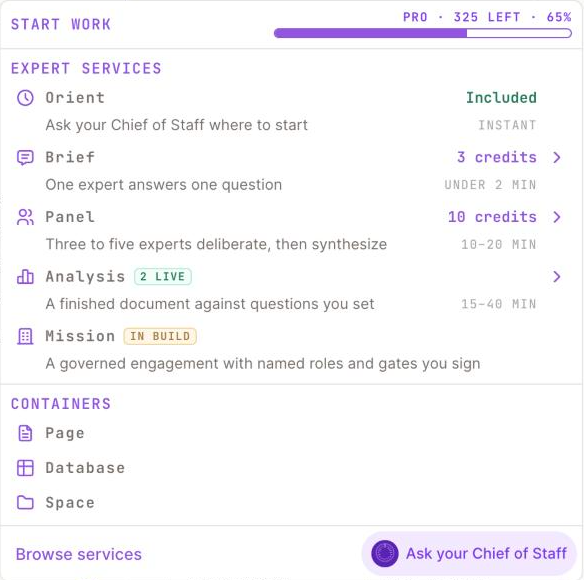
1 Page: a blank page in this workspace.2 Orient is included.3 Brief: one expert, one question.4 Panel: three to five experts deliberate.5 Analysis: a finished document against your questions.
Step 1 of 2Inside your workspace, click + New work, then Page.
Updated October 2026 · Not finding it? Reply to any of our emails