Getting started · 1 of 4 · 1 min
Sign in and the Hub
After you sign in, you land on your Hub (unless a link took you somewhere else, such as a shared page).
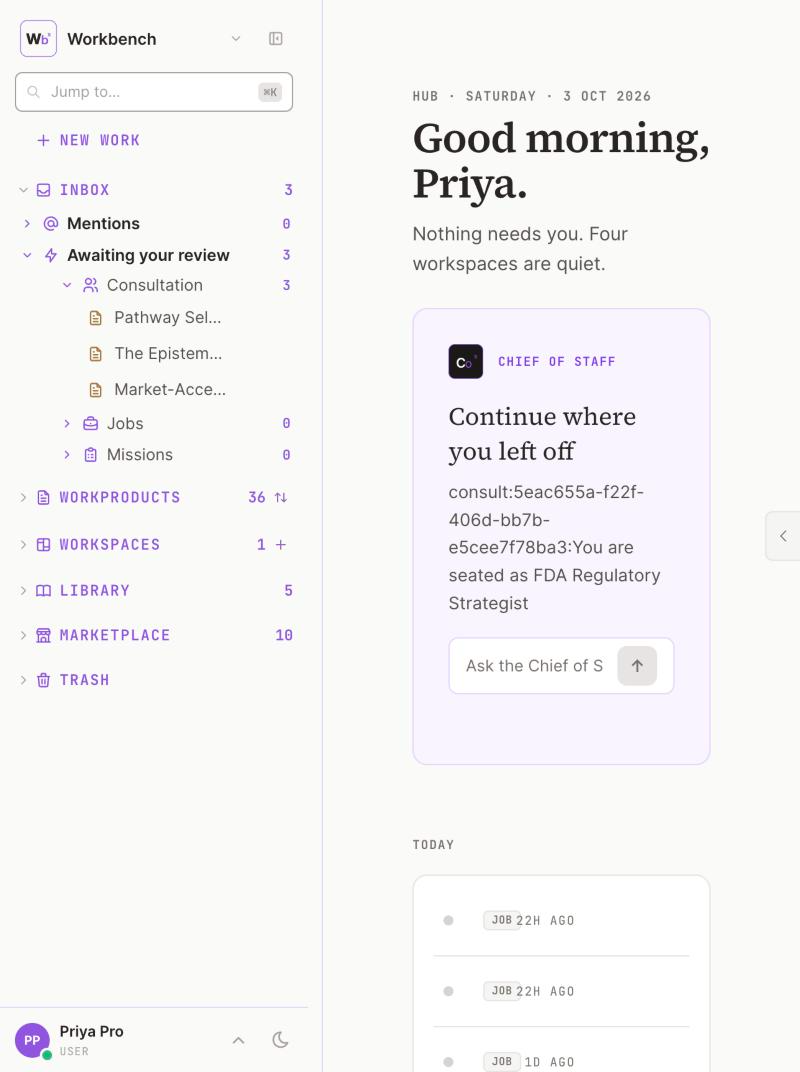
1 Your Chief of Staff.2 New work.3 Everything you own, on the left.4 What needs you today.
The Hub is your home. It shows:
- a greeting;
- your Chief of Staff, with your five first steps until they are done;
- what needs you today;
- your workspaces;
- the latest updates;
- recent activity.
On a wide screen your Chief of Staff can sit on the right, so you can ask something without opening a page.
The tour starts the first time you open the Workbench. To see it again, open the account menu and choose Replay tour.
Updated October 2026 · Not finding it? Reply to any of our emails