Workspaces · 4 of 5 · 1 min
Members and activity
Open Workspace settings, then Members, then Add member. Add member searches people already in your organisation; inviting someone new to the organisation is an admin action in Command.
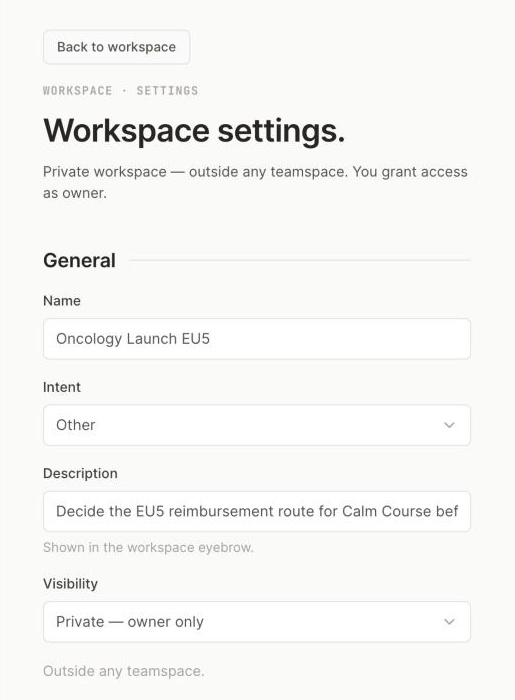
1 Visibility: who can find the workspace.2 Description: shown in the workspace eyebrow.
Step 1 of 2Open Workspace settings, then Members.
| Role | What they can do |
|---|---|
| Owner | Change settings, manage members, archive, edit pages |
| Member | Edit pages |
| Commenter | Comment, but not edit pages |
| Viewer | Read only |
Activity on the workspace home is the history of this workspace: pages created, knowledge added, members changed.
Updated October 2026 · Not finding it? Reply to any of our emails