Workspaces · 3 of 5 · 1 min
Create a workspace
Click the + next to Workspaces in the sidebar, or New workspace. Name it after the work (a launch, a dossier, a board meeting), not the department, and write in one sentence the decision this workspace exists to make. A new workspace starts private; you can change that at any time in its settings.
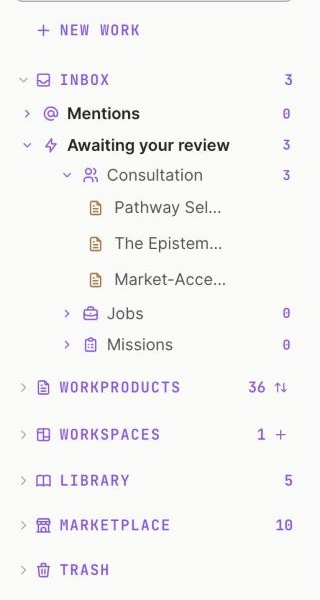
1 Click + to make a workspace.
Step 1 of 3In the sidebar, click + next to WORKSPACES.
Updated October 2026 · Not finding it? Reply to any of our emails