The document your question needs, with its sources attached.
Pick one of ten best practices, start from a ready-made use case or your own question, and choose the depth. Each document names its sources and marks what it could not find.
- Sources attached
- Gaps marked
- You sign, not the software
- Device guidanceThe agency's current text
- Cleared devicesPublic register entries
- Your notesCost and timing inputs
- PrecedentNone found
- The optionsThree routes, scored on cost, time, evidence and risk.Sourced
- The recommendationThe route the sources support best.Sourced
- Who decidesNot stated in your request.Gap
- Left open for youNo precedent was found for one option. It is marked, not filled.
Head of Regulatory reviews and signsNot signed yet. The software never signs.
From an overview to an evidence review, each built for one kind of reader and decision.
Recurring questions already set up on a best practice, from HTA Decision Scan to Asset Go/No-Go.
Market access, public affairs, regulatory, corporate development, safety, innovation and more.
Counted in the product on 29 October 2026.
A fluent answer fills the gaps. A document marks them.
Ask a general assistant to recommend a route and it names one, and a decider, and a deadline. Some of it came from your notes. Some of it came from nowhere. You cannot tell which.
"Go with the 510(k) route. The board will approve it next quarter."
"Decider: [GAP: not stated]. Three routes compared on cost, time, evidence and risk. No precedent found for one of them."
The gaps stay visible, so you fill them, not the model.
Question, best practice, depth. Then the document.
You bring the question. The best practice sets the shape a careful analyst would use for it. The depth sets how widely it searches. You read the result and decide.
- 1Your questionYou
In your words, with your notes and sources
- 2A best practiceDeep Analysis
One of ten, or a ready-made use case
- 3The depthYou choose
Standard, Extended or Deep sweep
- 4The documentYour workspace
Sources attached, gaps marked, nothing signed
- 5You review and signYou
The software never signs
Ten documents, each for one reader and one decision.
A best practice sets the shape a careful analyst would use: which sections the document has, in what order, and what each one must say. Pick the one that matches what your reader has to do with it.
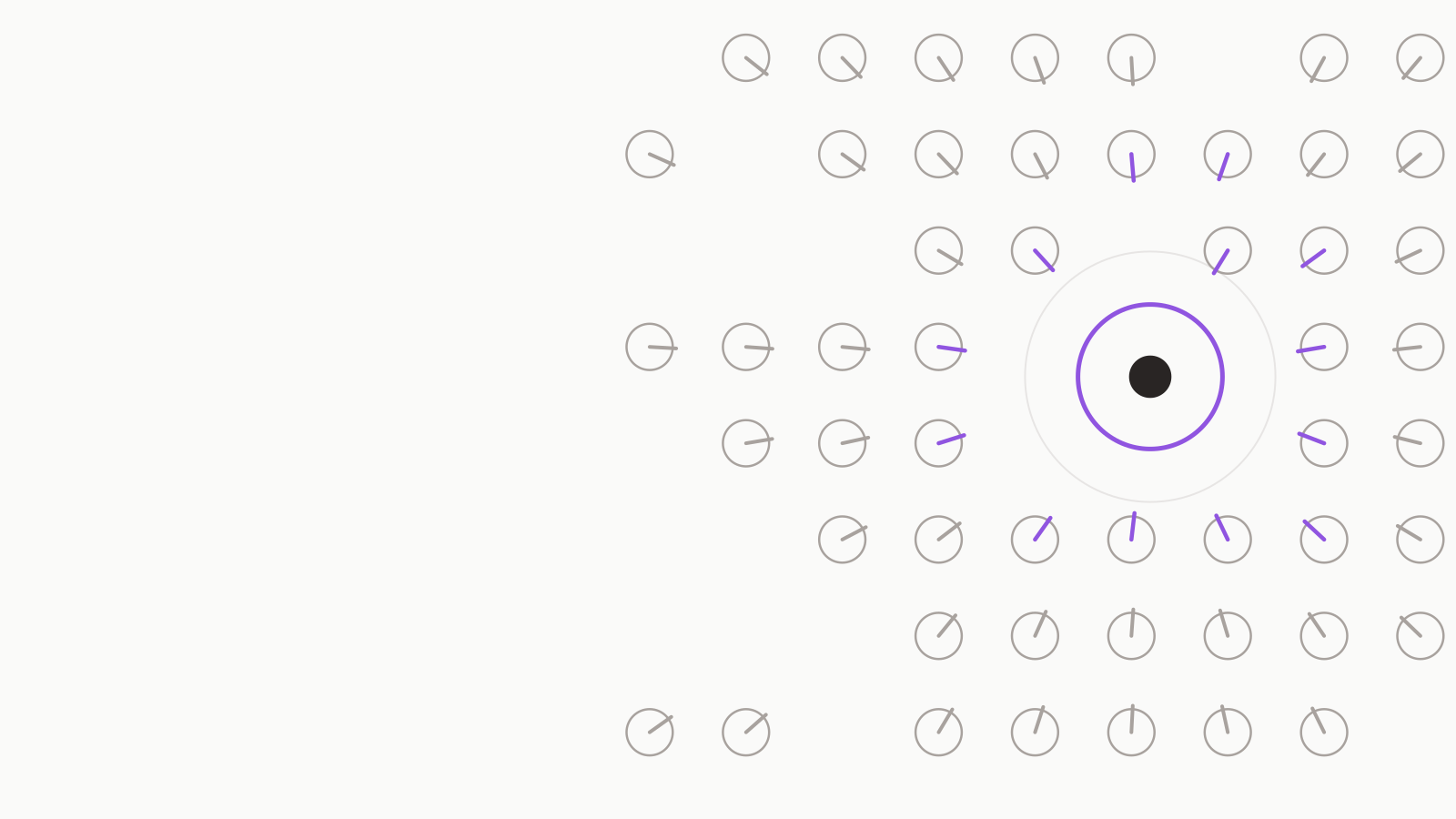 OverviewUnderstand a topic well enough to act on it: the main point first, how sure we are, what is established and what is assumed, and what would change the picture.Use it when: the reader needs to understand it.7 sections · 8 use cases
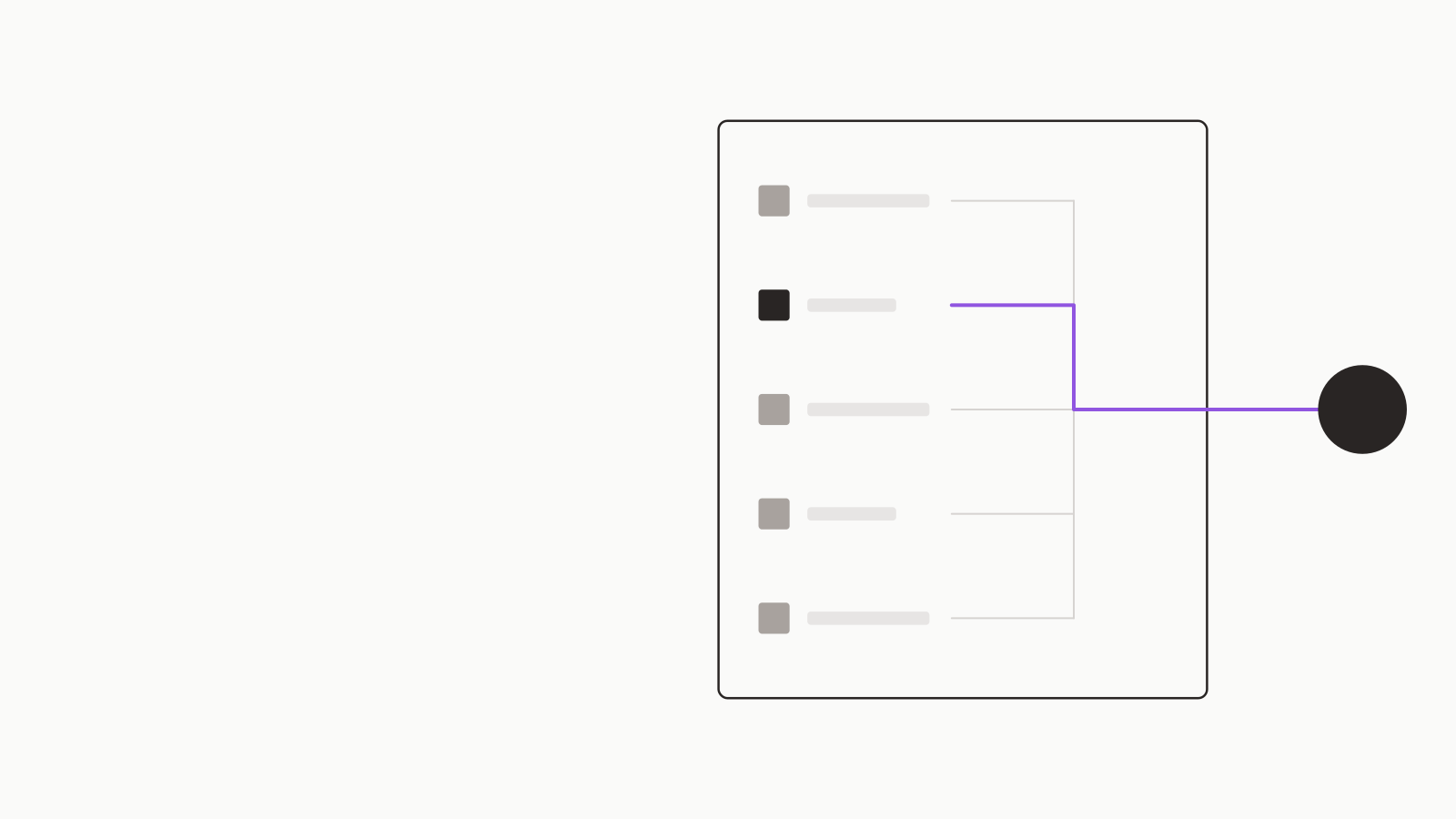
 Decision MemoPut a named decision in front of the person who owns it: the recommendation first, every option scored the same way, and the reasons you can defend.Use it when: the reader will make the choice.9 sections · 7 use cases
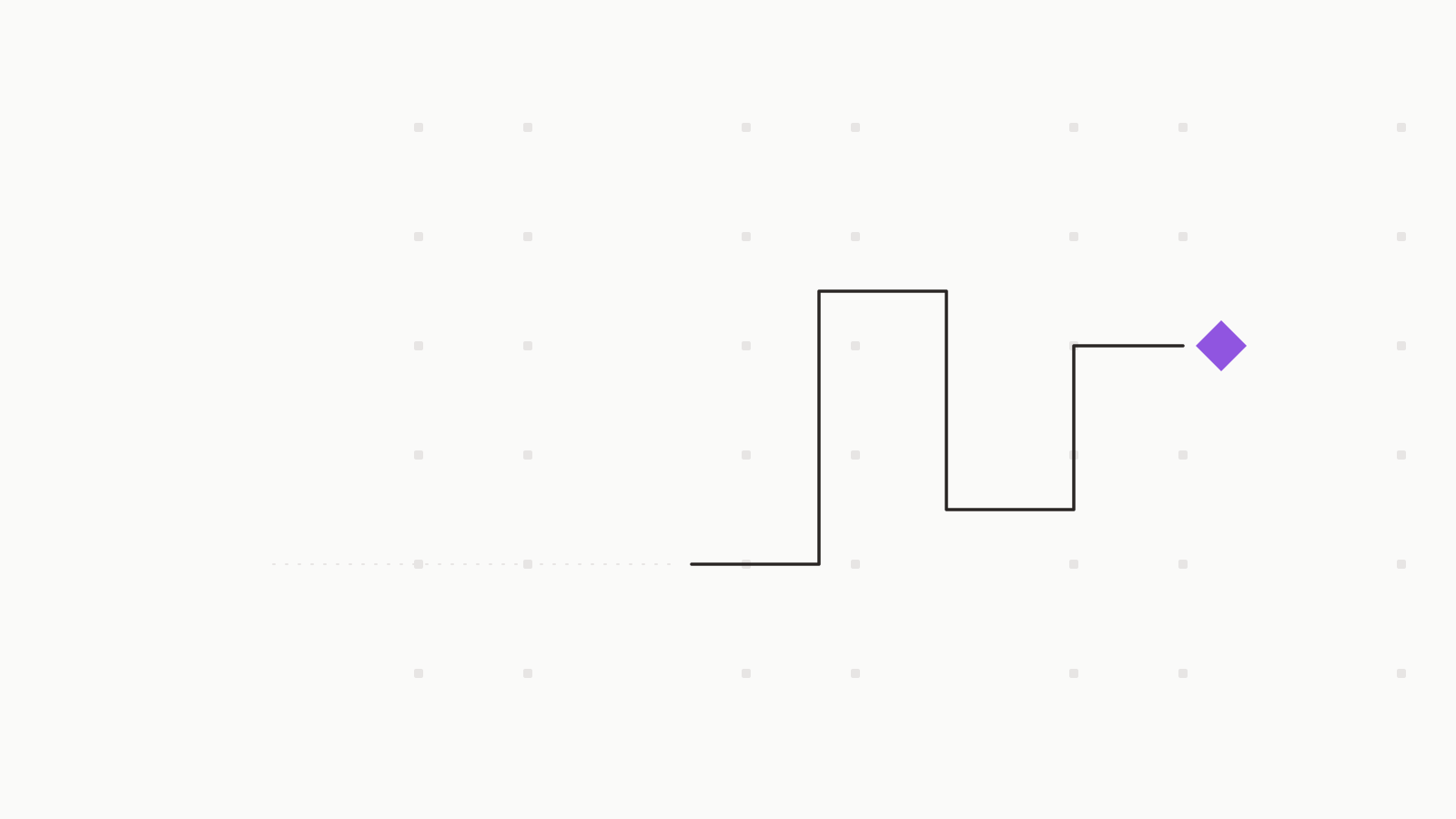
 ScanFind out what exists in a field, inside a stated boundary and date, listed item by item with its source, so you can see the shape of the field without anyone ranking it for you.Use it when: what is out there, and where the boundary is.6 sections · 10 use cases
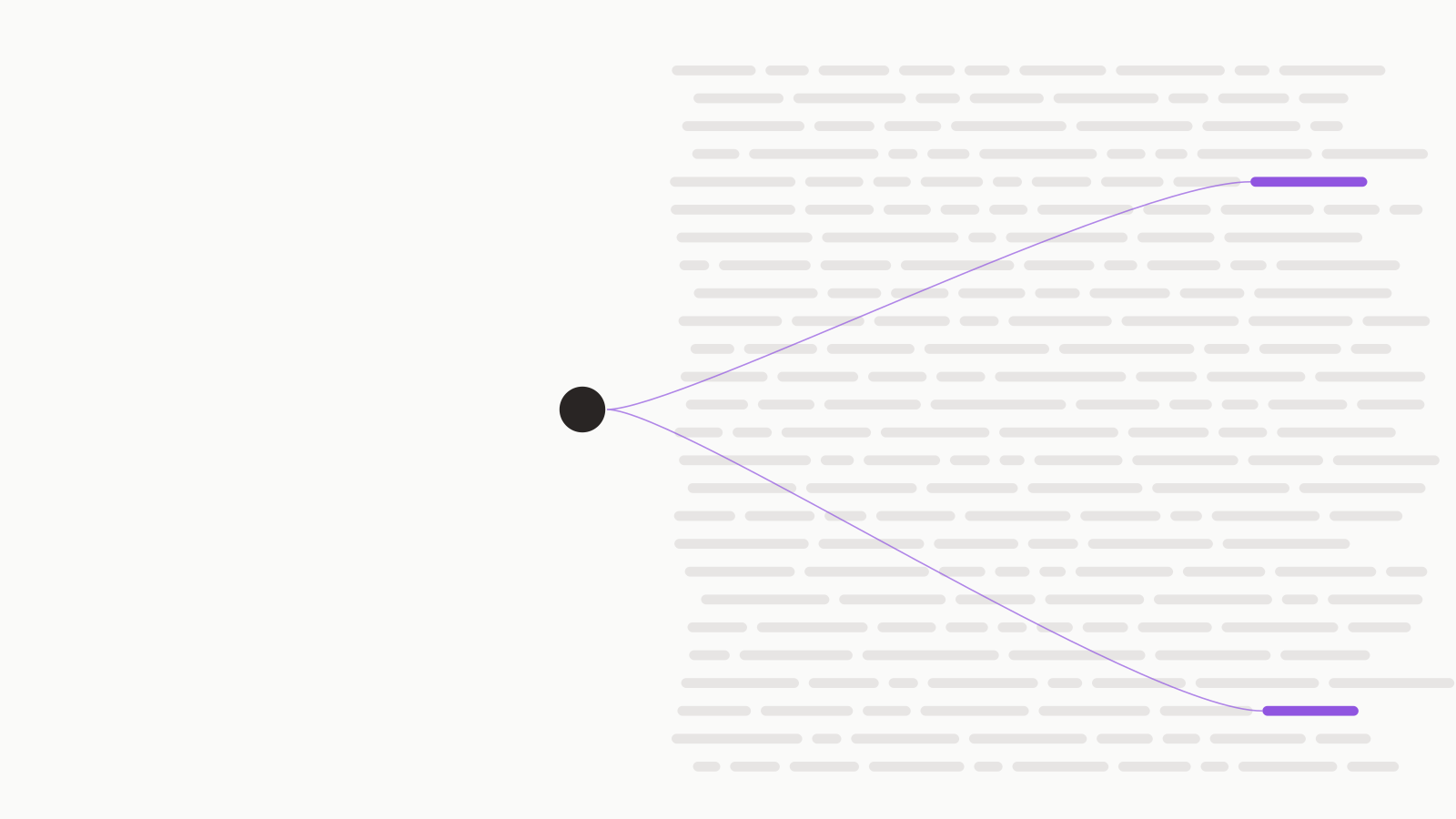
 DiagnosisFind out what is actually happening and what most likely explains it: the problem in measurable terms, competing explanations tested against the evidence, and what would confirm or refute the most likely one.Use it when: what is actually happening, and the likely cause.7 sections · 7 use cases
 OutlookSay what is likely to happen by when, in words with stated ranges: the projection and its base rate, the most likely path, the scenarios, and the signposts that would tell you early.Use it when: a projection, with confidence and what would change it.8 sections · 8 use cases
 AssessmentState a position and test it: the position and its confidence first, the evidence graded, the strongest objection answered, and a plain account of where the position is weakest and what would overturn it.Use it when: a position, the basis, and where it is weak.6 sections · 8 use cases
 PlanTurn an objective into a sequence someone can start on Monday: milestones with exit criteria and one owner each, the clocks you do not control, what could derail it, and the first move with a date.Use it when: the sequence, what could derail it, and the first move.7 sections · 9 use cases
 ComparisonPut two to five alternatives side by side on criteria stated first, with a source on every cell, so the differences are visible and a mismatch in definitions is never mistaken for a finding.Use it when: a side-by-side, and where the difference matters.5 sections · 7 use cases
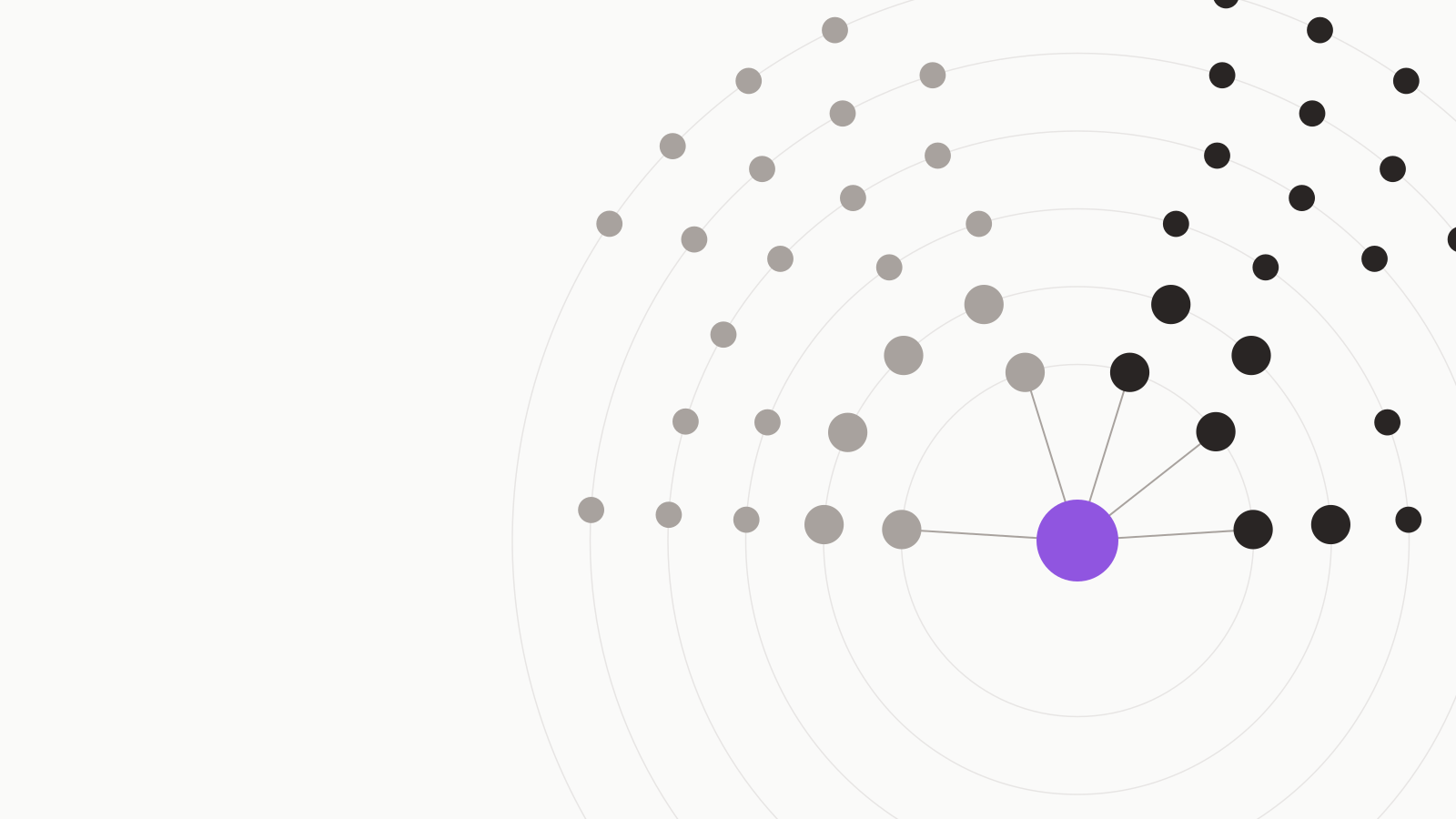 LandscapeGive the board a view of a market in three sentences and then the evidence: the boundary and inclusion rule, the size with every source side by side, who plays where, and what it means for you.Use it when: a board-ready view of a market and who is in it.7 sections · 8 use cases
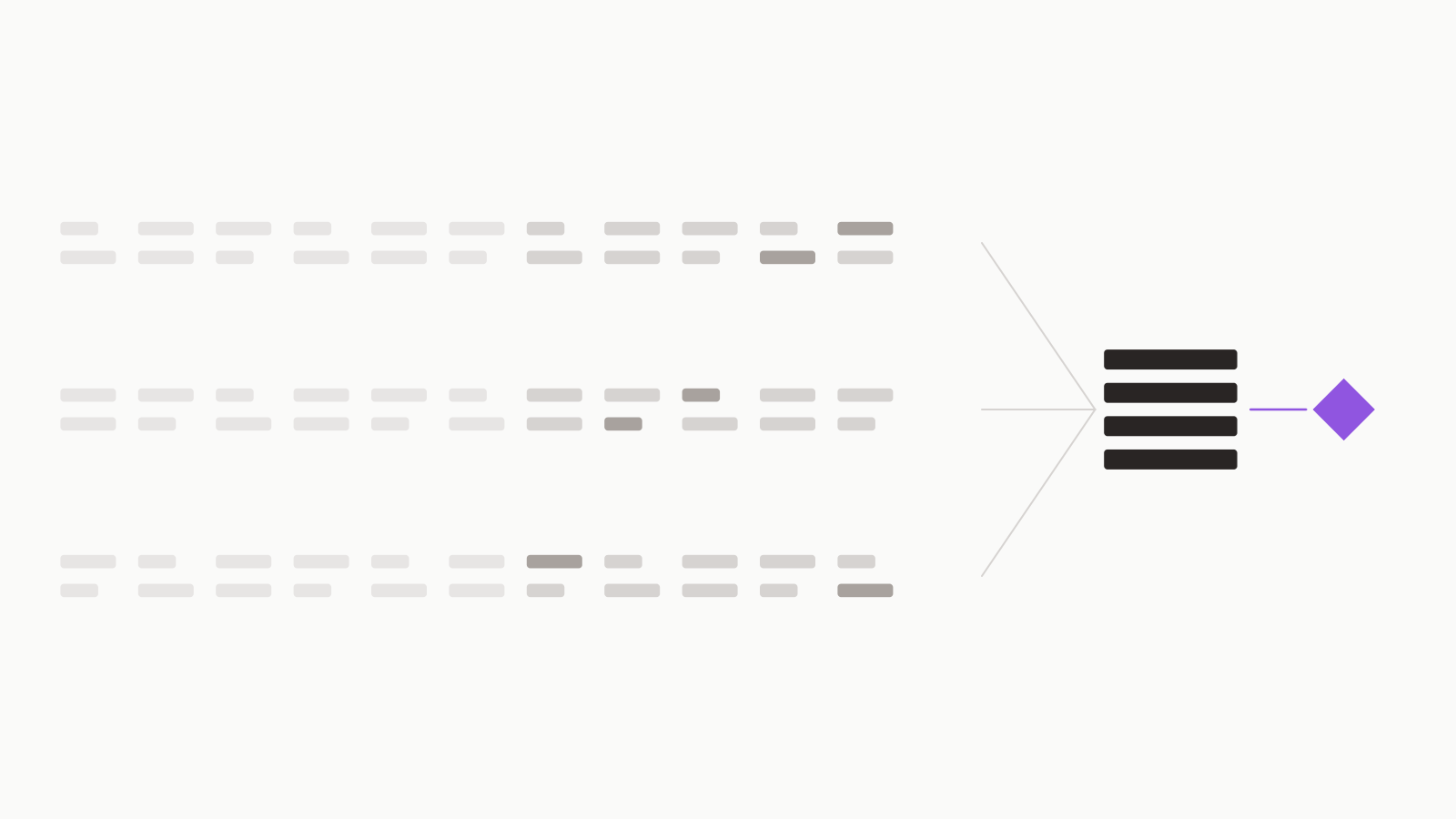 Evidence ReviewGet a rapid review of the published evidence on one question: the question stated as a PICO, the main studies tabulated with effect and risk of bias, the certainty rated outcome by outcome, and what the evidence does not answer.Use it when: what the published evidence shows, and how strong it is.8 sections · 7 use cases
Descriptions and section counts as set in the product on 29 October 2026.
79 ready-made use cases, by function.
Pick your function to see the recurring questions already set up for it. Each card names the best practice it is built on, and you can change the question.
14 ready-made use cases for Market Access.
- HTA Process OverviewUnderstand how a country assesses a new medicine and sets its price: the steps, the bodies involved, the terms and what would change how the process works.Overview
- Market Entry SequencingDecide which market to enter first and in what order, comparing access routes, the evidence each requires, time to reimbursement and execution risk.Decision Memo
- Evidence Generation StrategyChoose between a randomized trial, a single-arm study with an external control and real-world evidence, scored on payer credibility, cost, time and the risk of an inconclusive result.Decision Memo
- Pricing and Contracting PositionDecide between a list price, a lower price and an outcomes-based agreement, scored on net revenue, speed of access, cross-market precedent and administrative burden.Decision Memo
- HTA Body ComparisonCompare NICE, the G-BA and the HAS on comparator choice, evidence accepted, patient-reported outcomes and the link to price.Comparison
- HTA Decision ScanTake stock of published HTA decisions for a drug class across four European markets, with the boundary, the sources searched and the borderline cases named.Scan
- Stuck Access File DiagnosisFind out why a pricing and reimbursement file is stuck past its committed window, the likely cause and what would confirm it.Diagnosis
- Real-World Evidence Payer AssessmentJudge whether real-world evidence can carry a managed entry agreement for a high-cost therapy, how strong each support is and what would overturn the view.Assessment
- EU Market Access PlanPlan the path from HTA submission to the first reimbursed patient in one European market, with the external clocks and gates.Plan
- Real-World Evidence Study PlanPlan a real-world evidence study for payer negotiations, from protocol to report, with the data access and approval clocks.Plan
- JCA Cycle OutlookProject how the next guidance or Joint Clinical Assessment cycle may move a product's EU access position, with the base rate, scenarios and early signposts.Outlook
- Payer Coverage OutlookProject whether major US payers cover a new specialty therapy without step therapy within a year, with the base rate and the signposts to watch.Outlook
- Specialty Payer LandscapeGive the board a view of the US payer and PBM market for specialty medicines: concentration, who plays where and what it means for a launch.Landscape
- Prescription DTx Evidence ReviewReview the published evidence on whether a prescription digital therapeutic improves clinical outcomes, rated for strength outcome by outcome.Evidence Review
- Your own questionOn any best practice
Use cases as set up in the product on 29 October 2026. Each one is a starting point; you can change the question.
No benchmark yet. Four rules written into the best practices.
A comparison of Deep Analysis documents against other ways of writing them has not run. When it has, the result appears here with its method and its limits.
"Never invent a decider; write [GAP: not stated] instead."
The decision memo leaves the decider open when your request does not name one.
"an item not found is not shown to be absent."
The scan says what it searched, not that nothing exists.
"Do not prescribe a fix."
The diagnosis stops at the likely cause.
"Do not recommend an item."
The comparison shows where the difference matters and leaves the choice to you.
Quoted from the best-practice instructions. They tell the model how to write; they are not a measured result.
Bring the question you would hand to an analyst.
Join
Create your workspace.
Pick a best practice or a use case
Or bring your own question to any best practice.
Read the gaps first
They are what the document could not source.
Your question. Its sources. Your signature.
The document is yours to review and sign. The software never signs.